Online booking and loan application for your buyers
Buyers register, book, pay the deposit and apply to your panel banks. On your brand, from their own phone.
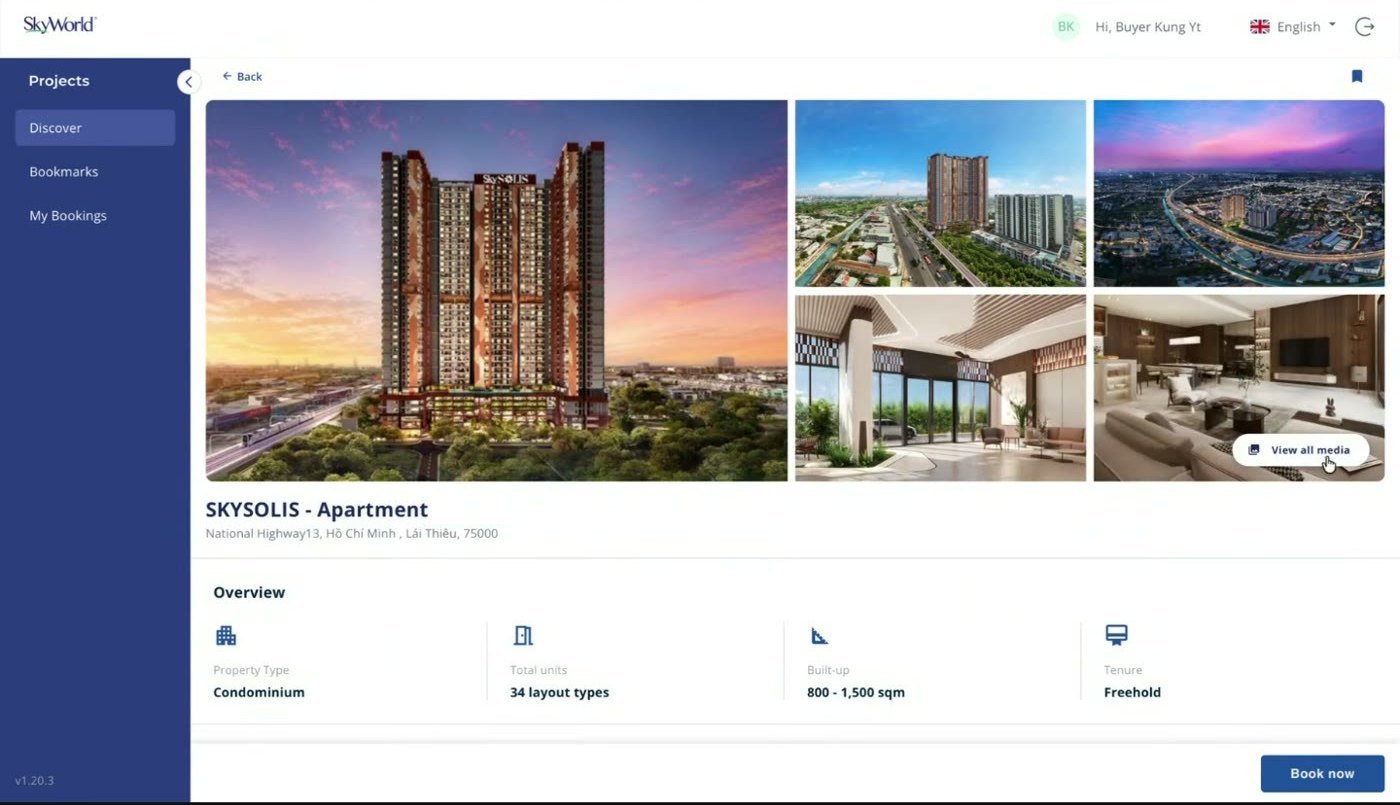
The buyer does the work, not your sales team
Four steps, no agent typing anything, no forms sent over chat.
-
Step 01
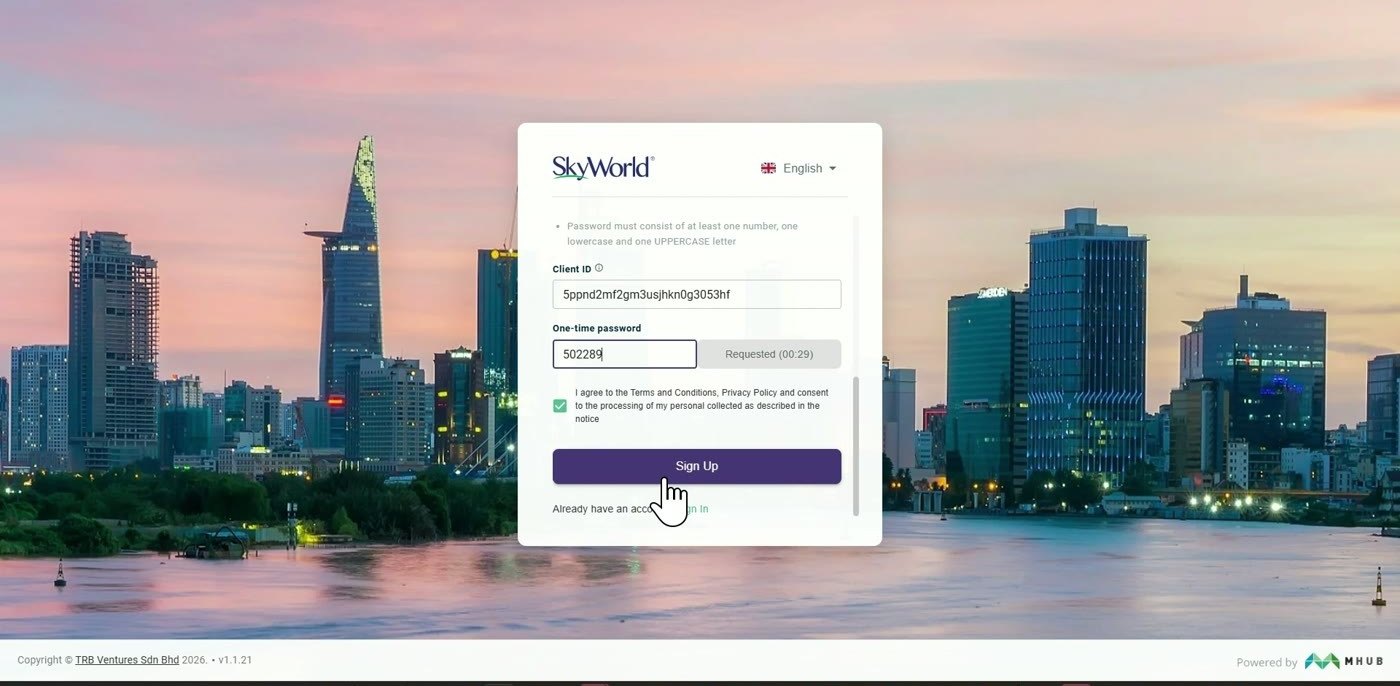
Register once
Mobile number and email code. Identity document uploaded once, reused on every booking.
-
Step 02
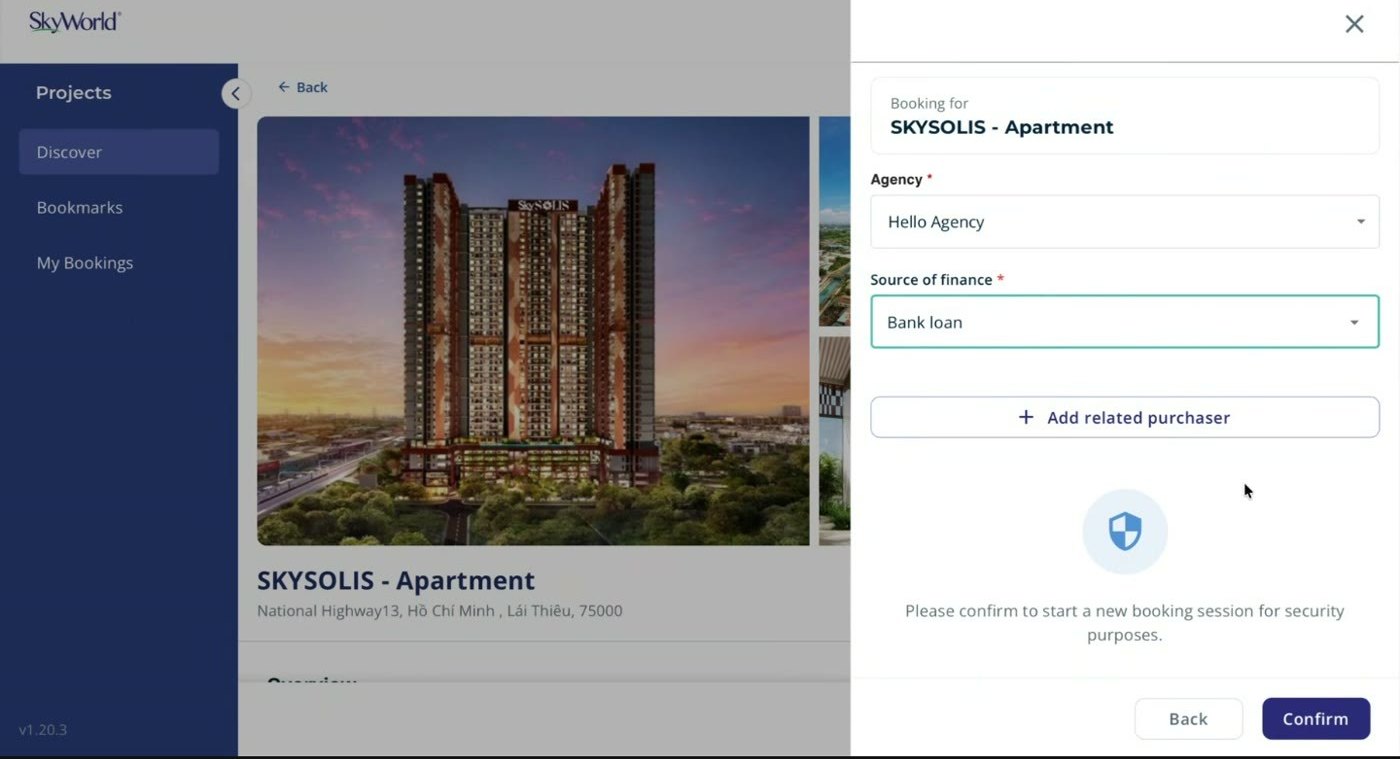
Browse and book
Search by location, price and size. Photos, site plans, layouts and a virtual tour.
-
Step 03
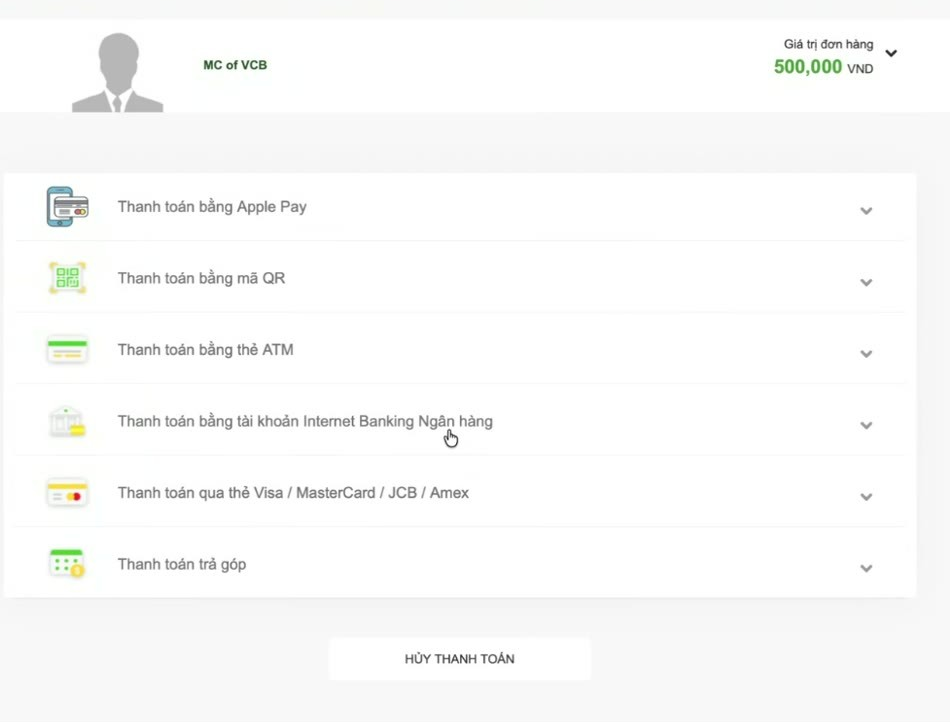
Pay the deposit
Vietcombank Paygate, or upload proof of transfer. Every attempt logged, receipt issued.
-
Step 04
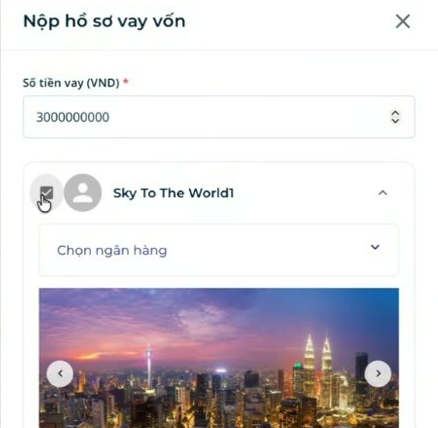
Apply for the loan
Several banks in parallel. Status updates arrive without the buyer asking anyone.
Apply to every bank at once. No bank sees another's file.
General buyer information goes to every bank applied to. Anything the buyer uploads for one bank stays with that bank only.
-
Bank A
- Booking form Shared
- Identity document Shared
- Payslips Bank A only
- Bank statement Not visible
-
Bank B
- Booking form Shared
- Identity document Shared
- Payslips Not visible
- Bank statement Bank B only
-
Bank C
- Booking form Shared
- Identity document Shared
- Income letter Bank C only
- Payslips Not visible
Each bank publishes its own required document list, so the buyer only sends what that bank asks for.
How buyers pay
Vietcombank Paygate, or upload proof of a bank transfer.
- QR code Mobile banking
- Internet banking Direct debit
- ATM card Domestic
- Card Visa, MC, JCB, Amex
- Bank transfer Proof uploaded
What developers ask us
Yours. The buyer sees your logo and your projects. MHub sits behind it.
Yes. The booking is created in the portal, then assigned to one of your agents for follow-up.
No. The booking moves to Pending Unit Selection once approved, with an Eligible marker. Unit selection happens in a later phase.
The refund goes to the account the buyer entered themselves. Only the buyer can see or change it.
Yes. Vietnamese and English, switched from the header. All times shown in Vietnam time.
See it on your own project
Book a 20 minute demo.